Pinwheel Tile Planner
See a pinwheel floor before a single tile is bought.
Give the room its length and width, choose a hopscotch or a windmill, pick the two tile sizes and the joint, and the floor is laid out tile by tile between the walls - square to them or on the diagonal, started from the centre or from a corner. Every tile size takes a finish of its own, from glazed in any colour to marble, slate, terrazzo, oak and patterned cement, and the grout takes its colour. Below the view, the planner counts the whole and cut tiles of each size, so you know roughly what to order.
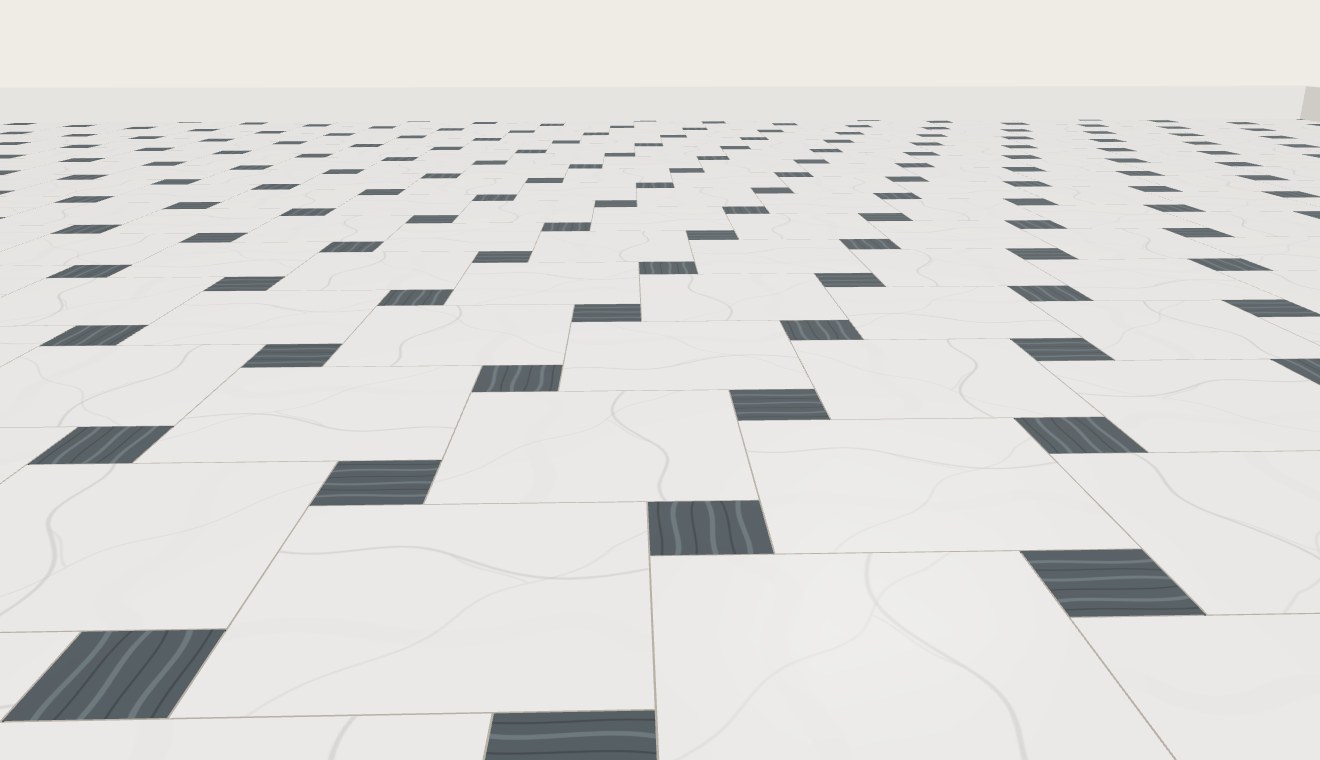
Two pinwheels
Hopscotch, also called a pinwheel or Pythagorean pattern, sets a small square at the corner of every large one, so the large squares step round each other like a windmill turning. It works with any two square sizes; the closer they are, the busier the floor.
Windmill sets four planks round a square, each turned a quarter from the last. The planks are the large size long and the small size wide, and the square in the middle is cut to fit between them.
Setting out
Starting from the centre balances the cuts, so opposite walls get pieces of the same size. Starting from a corner gives two walls whole tiles and leaves all the cutting to the other two, which suits a room whose corner is the first thing you see. Laying on the diagonal makes a small room look larger, at the price of a cut tile against every wall.
Tick Show cut tiles under View to see every tile that will need cutting.